



Terms of Service
Effective Date: June 19, 2026
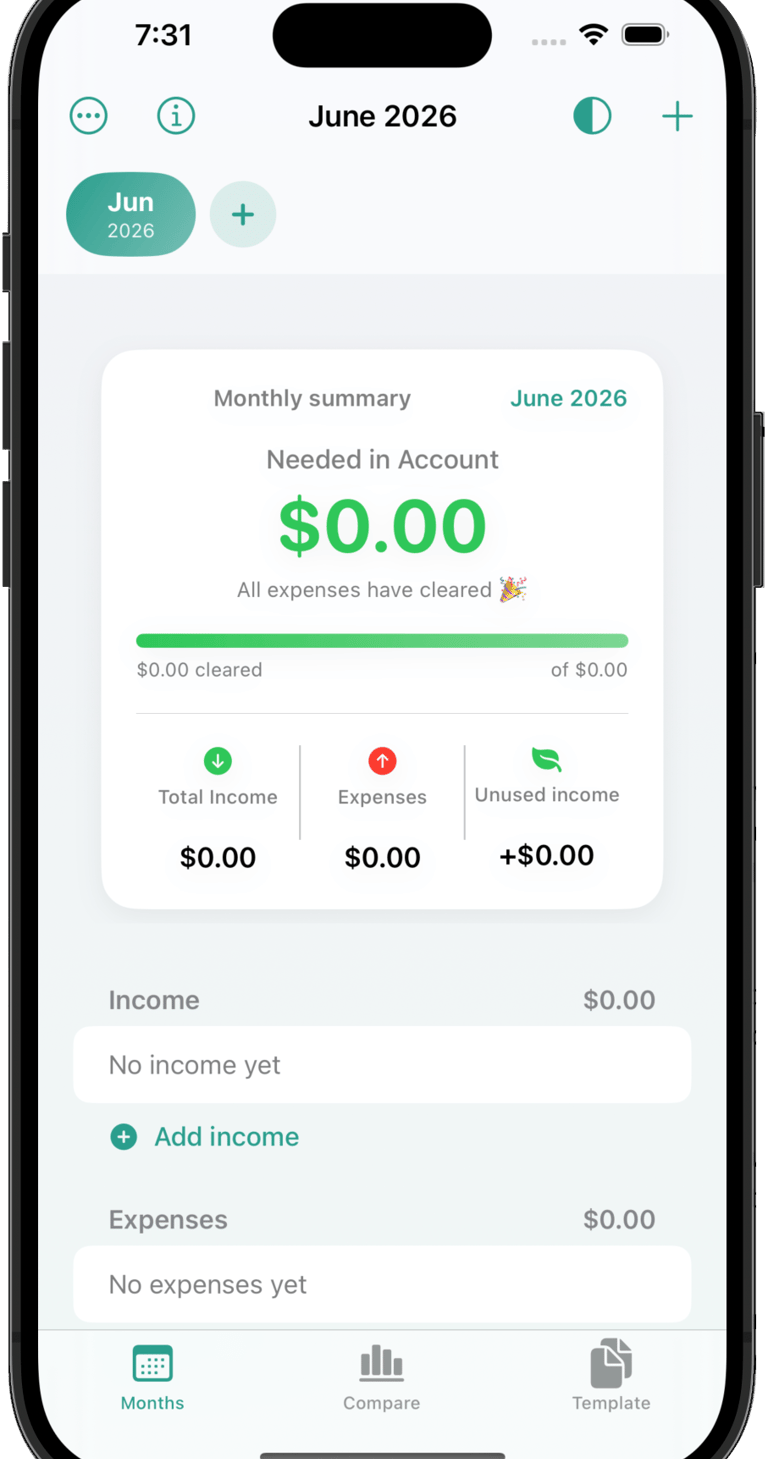
FlexCheck helps you budget when you're living paycheck to paycheck. Set up your recurring income and bills once as a Template, and every new month is pre‑filled automatically. Mark items cleared as the money moves, and the summary always shows exactly how much needs to be in your account for everything to clear.
Getting Help
For questions, bug reports, or feedback, email framemakerdigital@gmail.com and we'll get back to you as soon as we can. To help us resolve issues quickly, please include:
Your device model (e.g., iPhone 15)
Your iOS version
A short description of the issue and the steps that led to it
Frequently Asked Questions
Where is my data stored?
Entirely on your device. FlexCheck has no account, no cloud, and no network access — your budget never leaves your phone.
How do I back up my data?
Your data is included in your normal encrypted iPhone and iCloud device backups. Note that deleting the app removes all of its data.
How do I set up recurring bills?
Open the Template tab and add your recurring income and expenses once. Each new month you create is pre‑filled from the template.
How do I mark an item as paid/cleared?
Tap the circle next to any item, or swipe right on it. To start a fresh cycle, use the ⋯ menu → Reset cleared.
How do I see the intro tour again?
Tap the ⓘ button on the Months tab, then Help → Replay Walkthrough.
Disclaimer
FlexCheck is provided for personal budgeting purposes and is not a financial advising tool. Figures shown are entered by you and reflect your own data. Always verify important financial information with your bank or a licensed financial professional. FrameMaker Digital is not responsible for financial decisions made using this app.
Privacy Policy
Effective Date: June 19, 2026
FlexCheck collects nothing and sends nothing. Everything you enter stays on your device.
Information We Collect
FlexCheck does not collect, transmit, or store any personal information on any server. There is no account to create, and we never ask for your name, email, or any bank or financial login details. The data you enter — income, expenses, months, and your recurring template — exists only on your device.
How Your Data Is Stored
Your budget data is saved locally on your device using iOS's built‑in storage. It never leaves your phone. FlexCheck has no servers and no cloud storage, so there is nowhere for your data to be sent.
Network Access
FlexCheck makes no network requests and has no internet connectivity. Your financial information is never transmitted anywhere — not to us, and not to anyone else.
Analytics and Tracking
FlexCheck contains no analytics, no advertising, and no third‑party tracking of any kind. There are no analytics SDKs, no advertising identifiers, and no usage data collection.
Third Parties
Because FlexCheck transmits no data, we do not share, sell, or disclose any information to third parties. No outside service receives your data.
Your Control Over Your Data
You are always in full control. You can edit or delete any item, month, or template inside the app at any time. To remove everything permanently, simply delete the app from your device — because nothing is stored on any server, deleting the app erases all of its data.
Children's Privacy
FlexCheck does not collect personal information from anyone, including children under the age of 13. The app contains no data‑collection mechanisms and no means of contacting users.
Changes to This Policy
If this policy ever changes, we will update the effective date above. Because FlexCheck's privacy model is built into how the app works (entirely on‑device), we do not anticipate material changes.
Contact
Questions about this Privacy Policy?
Email framemakerdigital@gmail.com.
© 2026 FrameMaker Digital, LLC. All rights reserved.